Moveworks Academy

Watch quick, practical videos that walk you through key features, use cases, and tips to build with confidence.

Customers can log in to Moveworks Academy to review and access the entire suite of courses.
List View Card View

Part 1: Agent Studio Overview - Easily Build AI Agents To Drive Transformation

Get an in-depth look at Agent Studio, Moveworks AI agent builder that simplifies enterprise-wide AI agent deployment. With Agent Studio, you can extend Moveworks AI Assistant with installable or custom built AI agents for every enterprise application.

Part 2: Intro to Plugins & How They Automate Business Tasks With AI Agents

Learn what Agent Studio Plugins are and how their core components: Triggers, Launch Rules and Plugin Processes use natural language to initiate plugin actions.

Part 3: Understanding Task Automation With Conversation Processes

Learn what Conversation Processes are and the various components that make it up like, Activities, Slots, and Decision Policies. You'll understand the components roles, and how they contribute to automation in Agent Studio.

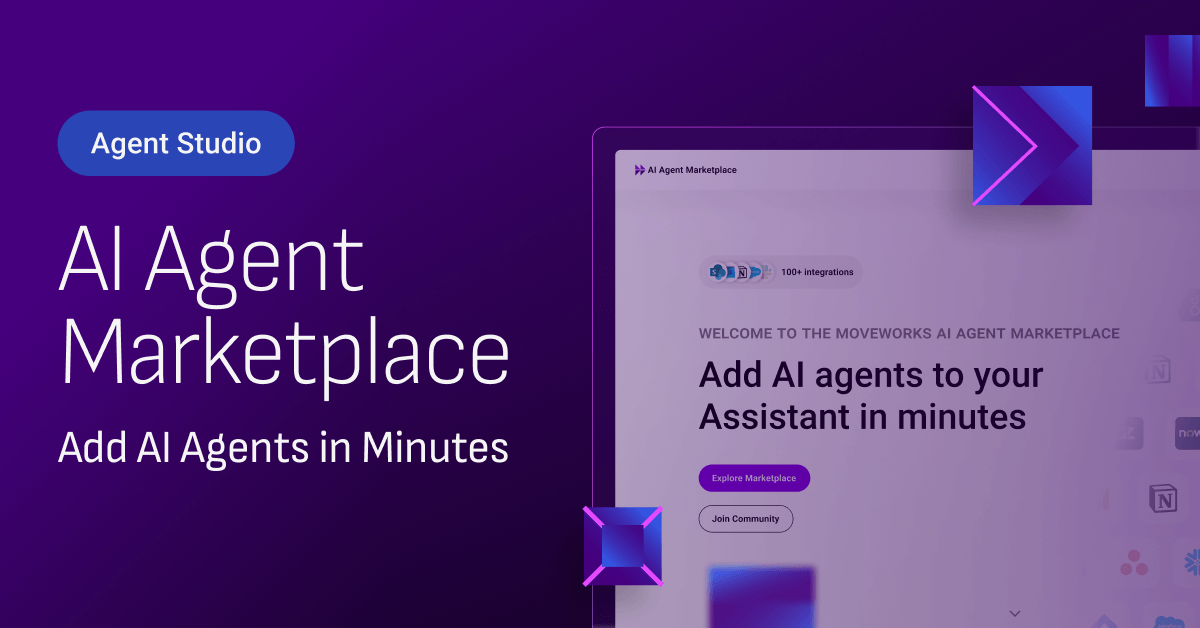
Part 4: Moveworks AI Agent Marketplace Overview And Agent Installation Guide

Discover the Moveworks AI Agent Marketplace, a source of over 100 installable agents to customize the Moveworks AI Assistant.

Part 5: Creating Resuable HTTP Connectors For Multiple HTTP Actions

Learn what HTTP Actions and HTTP Connectors are, and how to configure Connectors to save time and ensure all Actions use the same connection settings when accessing external APIs.

Part 6: How To Use Built-In Actions And Their Common Use Cases

Learn what Built-in Actions are and how to integrate them into your plugins to simplify development with standardized reusable tools. You'll be able to identify some common Built-in Actions and their use cases like sending notifications and creating approvals.

Part 7: Customizing Agent Studio With Scripts & Compound Actions

Learn what Script Actions and Compound Actions are, their importance in the development process in Agent Studio. Script Actions allow you to write custom code using APIthon when tasks are not covered by our built-in actions and DSL, or when more flexibility is needed. Compound Actions are complex workflows made up of a sequence of actions and expressions executed in order to automate multi-step processes without manual intervention.

Part 8: Understanding The Purpose Of Slots As Data Placeholders

Slots are versatile—they can be filled by asking the user for input or pulling data from the system. Importantly, each slot must be defined with a specific data type, like string or number, to ensure the plugin processes the data correctly. By the end you'll learn what slots are, why they’re important, and how to configure them to create powerful plugins.

Part 9: Differentiating Between Static And Dynamic Resolvers

Learn what resolvers do, the differences between static and dynamic resolvers, and how to set up dynamic resolvers with the right input arguments to enhance your plugins’ functionality.

Part 10: Supported Data Types In Agent Studio

Slots are versatile—they can be filled by asking the user for input or pulling data from the system. Importantly, each slot must be defined with a specific data type, like string or number, to ensure the plugin processes the data correctly. By the end you'll learn what slots are, why they’re important, and how to configure them to create powerful plugins.

Part 11: Processes Personalization With User Attributes And Platform Data.

Learn how to leverage user attributes and platform data to create personalized, dynamic conversational processes. Get an understanding of how to use user attributes and why platform data is imperative in plugins to increase accuracy, reduce security risk and improve execution efficiency.

Part 12: Understanding Action And Content Activities

Learn how to leverage action and content activities to create effective user-friendly plugins. Discover how action activities can execute backend operations to drive automation processes while content activities focus on what users see, ensuring instructions are clear and engaging, enhancing personalization and ensuring accuracy.